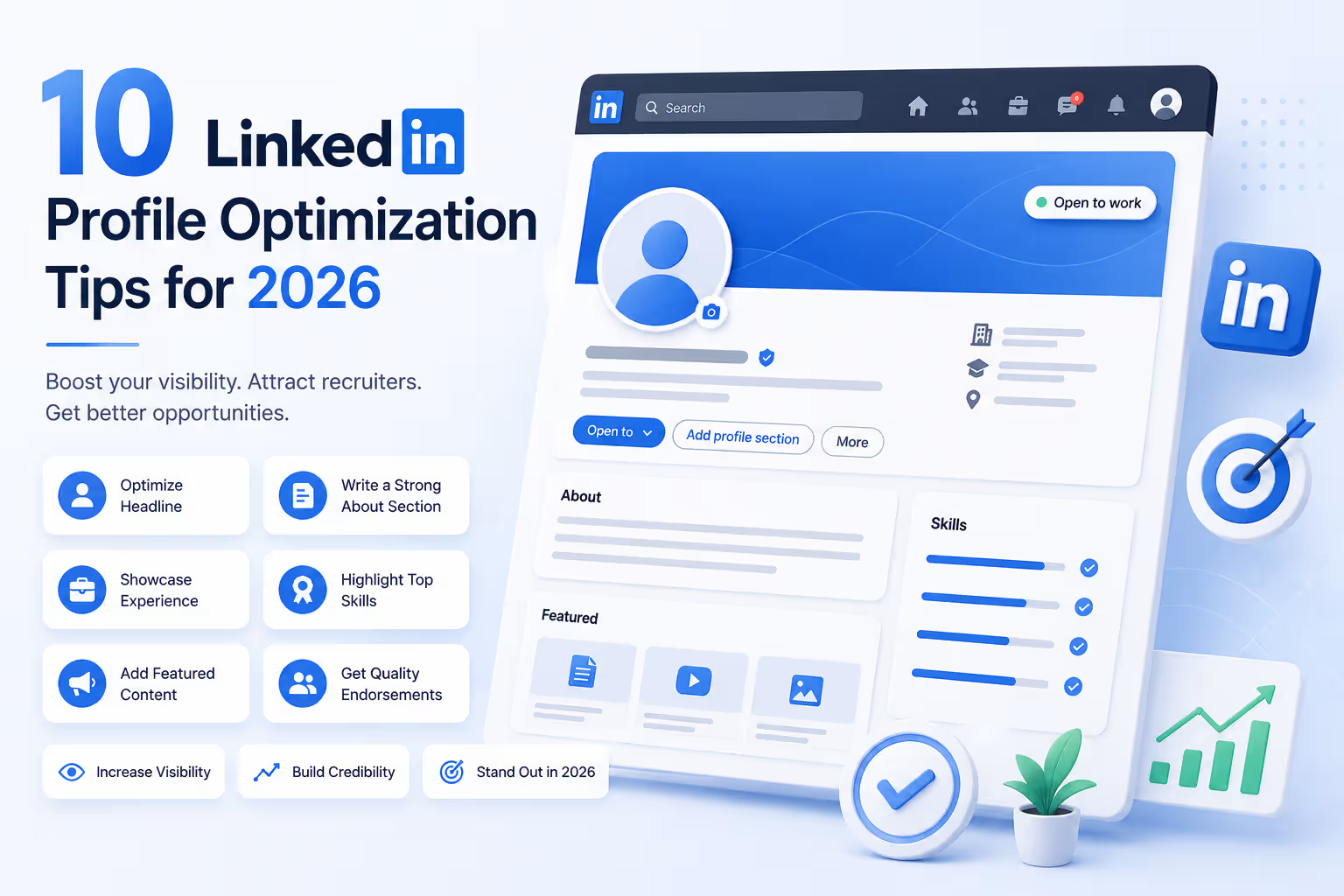
LinkedIn has evolved far beyond a digital résumé. With over a billion members and AI-powered recruiter search, the difference between a neglected profile and an optimized LinkedIn profile is the difference between invisibility and opportunity.
Use a High-Quality Professional Photo
Your profile photo is the single highest-ROI change you can make to your LinkedIn presence. It’s the first thing people see in search results, message threads, and comment feeds — and it shapes the emotional response before anyone reads a single word.
You don’t need a professional studio shoot. A friend with a modern smartphone, a plain background, and good natural light near a window will do the job. Aim for a square crop at 400×400px minimum, with your face occupying roughly 60% of the frame, direct eye contact, and a relaxed, confident expression.
Design a Strategic Custom Banner
Your LinkedIn banner occupies 1584 × 396 pixels of prime real estate directly behind your photo — yet most professionals leave it blank or use LinkedIn’s default gradient. This is a missed opportunity to immediately reinforce your brand positioning.
Use your banner to communicate your specialty, audience, or a single powerful value proposition. A designer might showcase portfolio work. A consultant might display a tagline and call-to-action. A job seeker might display their target industry and key skills. Tools like Canva offer free LinkedIn banner templates that take under 10 minutes to customize.
Craft a Keyword-Rich Power Headline
Your headline is the single most algorithmically important field on your profile. It appears everywhere — search results, connection requests, comments, and notifications — and LinkedIn’s algorithm weights it at roughly 5× the relevance of most other sections.
Avoid the default “Job Title at Company” auto-fill. LinkedIn gives you 220 characters — use them all. The most effective formula: Role + Specialty + Who You Help + Key Result. For example: “B2B SaaS Sales Leader | Helping Mid-Market Teams Shorten Sales Cycles | $40M+ Revenue Generated”.
- Include 2–3 target keywords recruiters actually search
- Separate concepts with pipes (|) or bullet dots (•)
- Avoid buzzwords: “innovative,” “strategic,” “passionate”
- For job seekers: include “Open to Work” directly in the headline text
Write an About Section That Converts
The About section offers 2,600 characters to transform profile visitors into engaged prospects, collaborators, or applicants. Most people either leave it blank, copy-paste their résumé summary, or stuff it with generic buzzwords. Optimal About sections run 1,200–1,800 characters — enough to establish credibility without losing the reader.
Structure it using a proven four-part framework:
- Your Journey (100–150 words):The experience that led to your current expertise — builds authentic connection
- What You’ve Learned (75–100 words):Insight and perspective gained, not just facts
- What You Do Now (150–200 words):Who you serve, the problem you solve, and the transformation you deliver
- Proof Points + Soft CTA (150–200 words):Specific metrics, results, or recognizable outcomes, followed by a low-friction next step
Master Keyword Strategy for AI-Powered Search
In 2026, LinkedIn’s search algorithm operates on semantic relevance, not just keyword matching. This is a significant shift. The platform now understands context and intent, which means simply stuffing your profile with keywords no longer works — but strategic, contextual placement still matters enormously.
The algorithm scores every profile against recruiter search queries based on keyword density and placement across four key sections: Headline, About, Experience, and Skills. Profiles that use the same important keywords naturally across multiple sections rank higher than those that mention a term only once.
- Research 5–8 core keywords from job descriptions in your target roles
- Use exact phrases, not just concepts (e.g., “product-led growth” not just “growth”)
- Include keyword variants: “Project Manager” and “Project Management”
- Place your most critical keywords in the headline and first paragraph of About
Quantify Every Experience Entry
Your experience section is not a job description — it’s a track record of impact. The most common mistake professionals make is listing responsibilities instead of results. Every bullet point in your experience section should answer the question: “So what?”
Quantification transforms weak bullets into compelling evidence. “Led a sales team” becomes “Led a 12-person sales team to 138% quota attainment, generating $8.4M in new ARR in FY2025.” The formula is simple: Action Verb + Specific Initiative + Measurable Outcome.
- Use numbers wherever possible: percentages, dollar figures, time saved, team size
- Front-load each bullet with a strong action verb (Launched, Reduced, Generated, Built)
- Add media attachments — presentations, case studies, portfolios — to each role
- Tailor your most recent role’s bullets to align with your current career goa
Leverage the Featured Section Strategically
The Featured section sits near the top of your profile — above the fold on most screens — yet it’s one of the most underutilized sections on LinkedIn. It’s prime real estate to showcase your best work directly in front of every profile visitor.
Think of it as your curated highlight reel. Unlike the Experience section, which is chronological, the Featured section lets you surface exactly what you want people to see first. Use it to showcase the work that best supports your current career goals or professional positioning.
- Pin your strongest article, case study, or portfolio piece at position one
- Link to a Calendly or contact form if you’re open to inbound inquiries
- Include media with strong visual thumbnails — they drive significantly more clicks
- Job seekers: pin a “featured open to work” post or your resume PDF
- Rotate content every 3–4 months to keep it current and relevant
Optimize Skills and Endorsements
LinkedIn’s search algorithm heavily weights the Skills section. Profiles with multiple skill endorsements receive dramatically more recruiter attention — and the data backs this up decisively.
17× more views from recruiters for profiles with multiple skill endorsements, compared to those with few or none, per LinkedIn’s own statistics.
LinkedIn allows up to 50 skills. Use them strategically rather than exhaustively. Prioritize your top 3 skills (displayed prominently) with your most searchable and important abilities. Remove dated or irrelevant skills — listing “Microsoft Word” in 2026 signals poor prioritization, not versatility.
- Include both skill nouns and action variants: “Data Analysis” + “Analyzing Data”
- Match skills directly to terms appearing in your target job descriptions
- Ask 3–5 colleagues to endorse your top skills — 50+ endorsements outranks 0
Collect Powerful Written Recommendations
Written recommendations are the most underutilized trust signal on LinkedIn. A profile with 3 or more detailed recommendations is treated as significantly more credible by both LinkedIn’s algorithm and the humans reading your profile — yet most professionals have none, or generic one-liners.
The key is specificity. A recommendation that says “Sarah is a fantastic colleague” adds almost no value. A recommendation that says “Sarah led our migration to a new CRM in 6 weeks, under budget, and trained 40 staff members with zero disruption to pipeline” is a powerful piece of social proof.
Customize Your Public Profile URL
By default, LinkedIn assigns you a URL full of random letters and numbers: linkedin.com/in/firstname-lastname-a4b5c6. This looks unprofessional on a résumé, email signature, or business card — and it’s a trivially easy fix that takes under 60 seconds.
Go to Edit public profile & URL → Edit your custom URL in the top right of your profile. Choose a clean, professional format such as linkedin.com/in/firstnamelastname or linkedin.com/in/firstnamelastname-profession. This URL also appears in Google search results — a clean URL signals professionalism and makes your profile easier to find and share.
- Use your full name if available; add a middle initial or profession if taken
- Avoid numbers or underscores unless absolutely necessary
- Update your email signature, CV, portfolio, and bio links immediately after
The Bottom Line: Your Profile Is Always Working
A strategically optimized LinkedIn profile isn’t a one-time project — it’s a living professional asset that compounds over time. Every keyword added, every recommendation earned, and every post published stacks on the previous work to build visibility, credibility, and inbound opportunity.
The professionals winning on LinkedIn in 2026 are not necessarily the most experienced in their fields. They are the ones who communicate their value with the greatest clarity, maintain consistent activity, and treat their profile as the strategic asset it is.
Start with the highest-impact changes: update your profile photo, rewrite your headline with target keywords, and fill in your About section with a compelling narrative. Then work through the remaining tips systematically. Even three or four of these changes, implemented this week, can measurably shift your profile’s performance within days.